Busy Bucket
Mobil App
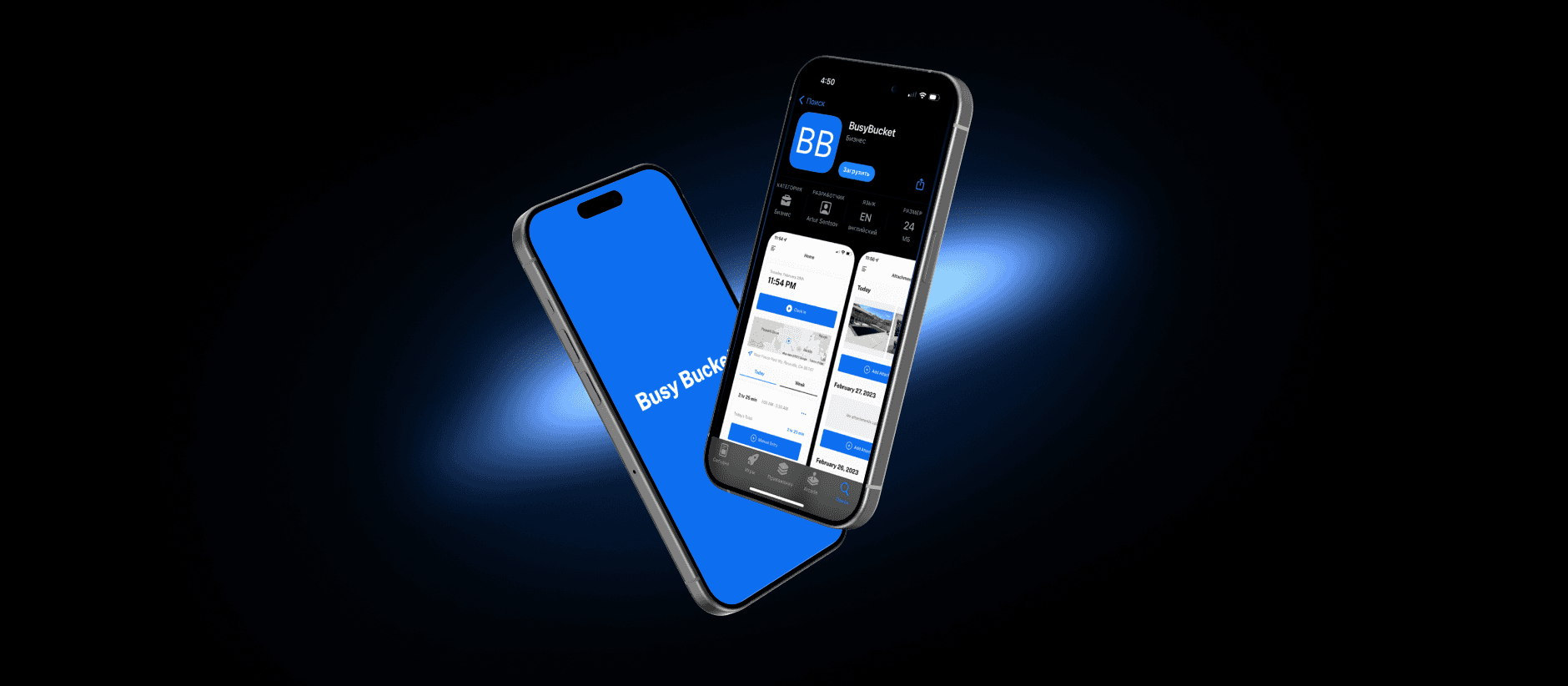
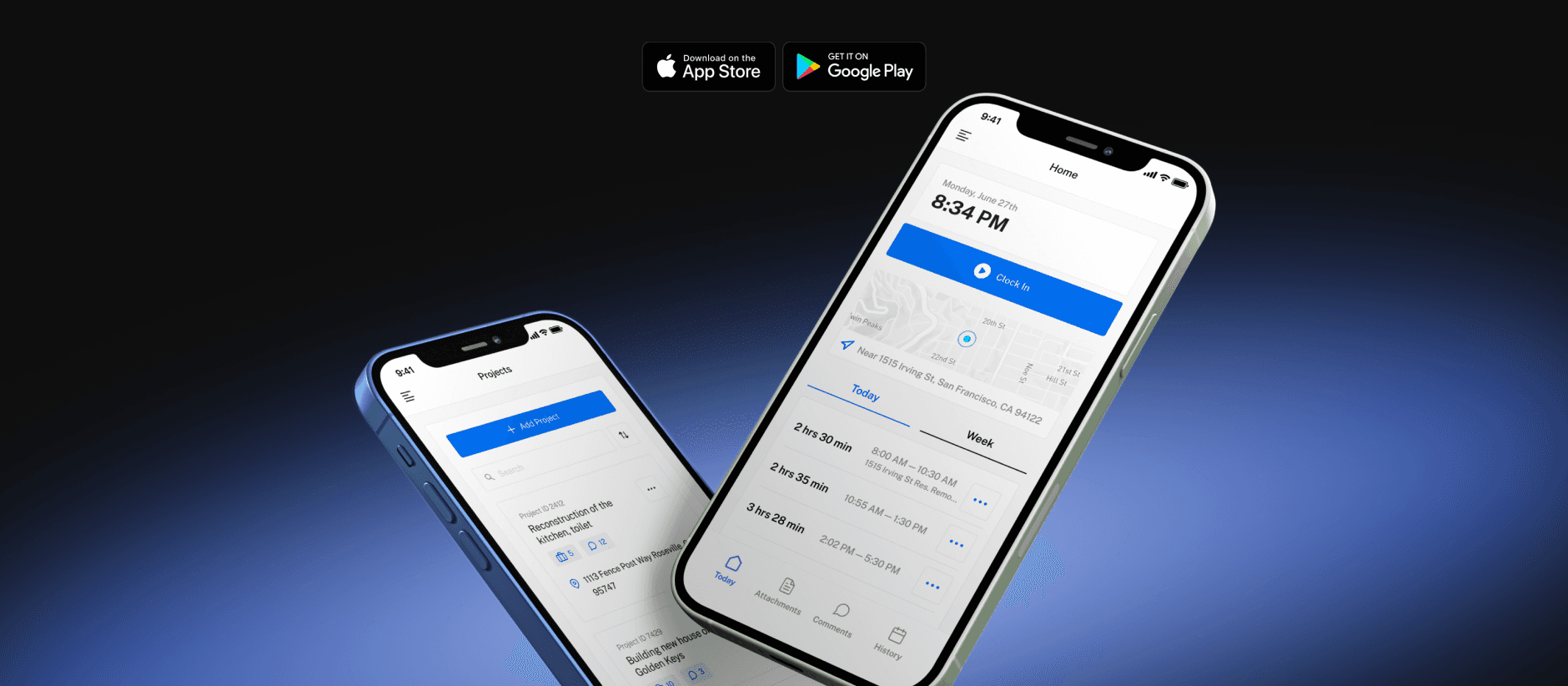
BusyBucket is a B2B product designed to help businesses manage employee schedules and track work hours. The platform supports day-to-day workforce management with tools such as time tracking, reporting, and activity documentation, helping teams stay organized and accountable.
Client
Busy Bucket
Services
UI & UX Design
Industries
B2B
📍 Problem
BusyBucket was being built as a new product without an established interface or interaction model. Both administrators and employees required clearly defined, role-specific experiences, yet there was no existing UX structure, visual language, or layout patterns to build upon.
The challenge was to design two distinct interfaces—Admin and Employee—with different workflows and priorities, while keeping the overall product experience consistent across desktop and mobile.
🎯 Goal
The goal of the project was to design the UX/UI for a new product from the ground up, addressing the needs of both administrators and employees. This included defining role-specific interfaces and creating dedicated desktop and mobile experiences tailored to different workflows. The focus was on delivering clear, intuitive interactions while maintaining a cohesive product experience
Below is an overview of the key stages of the process
Roles & Responsibilities
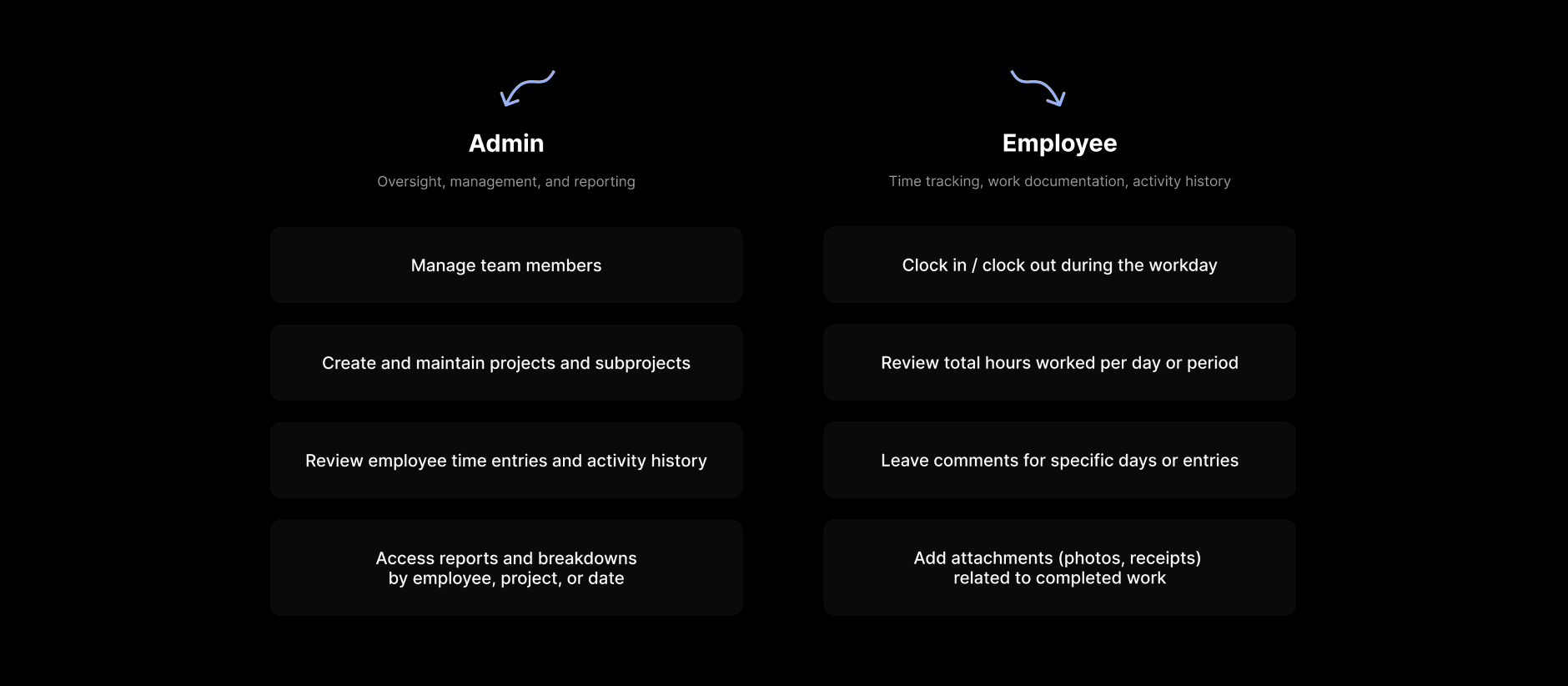
Defining clear responsibilities between Admin and Employee roles to establish a shared understanding of system usage and inform further UX decisions.
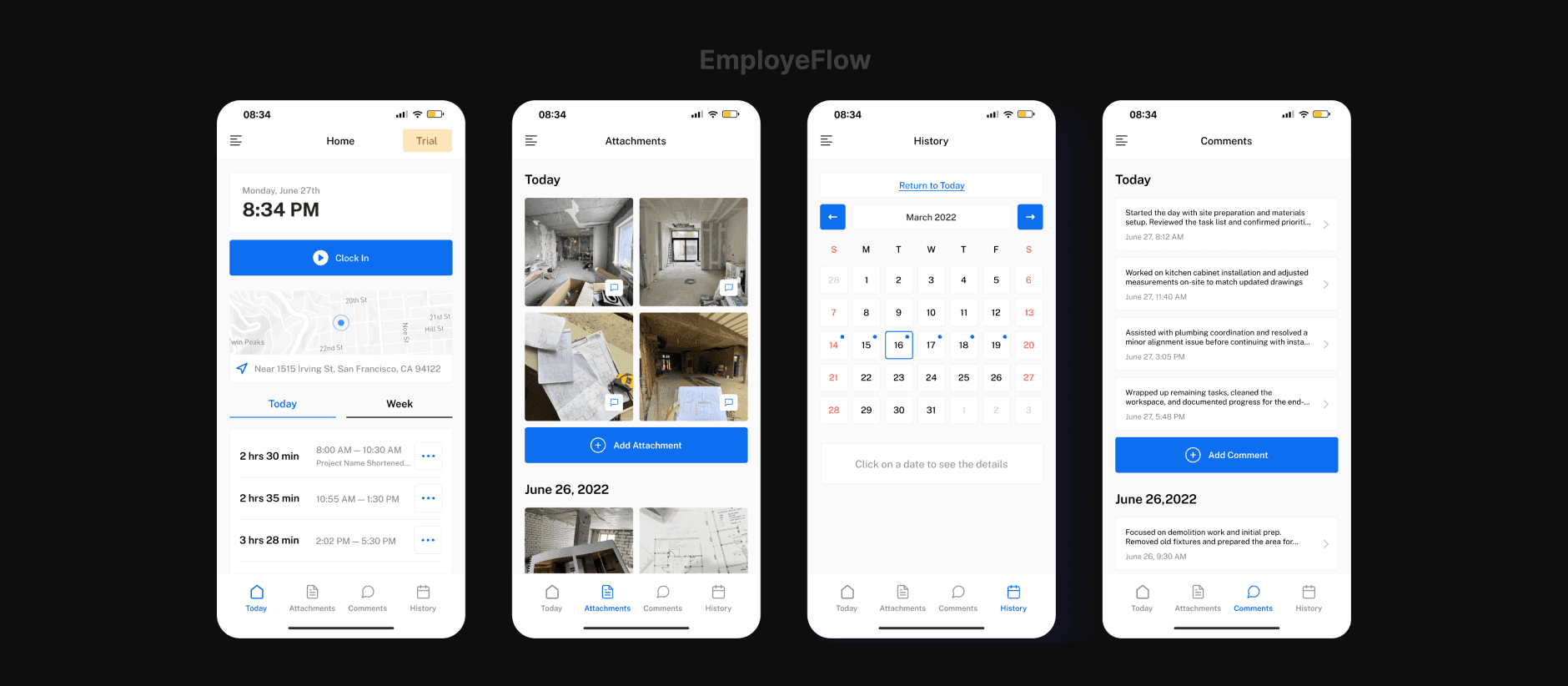
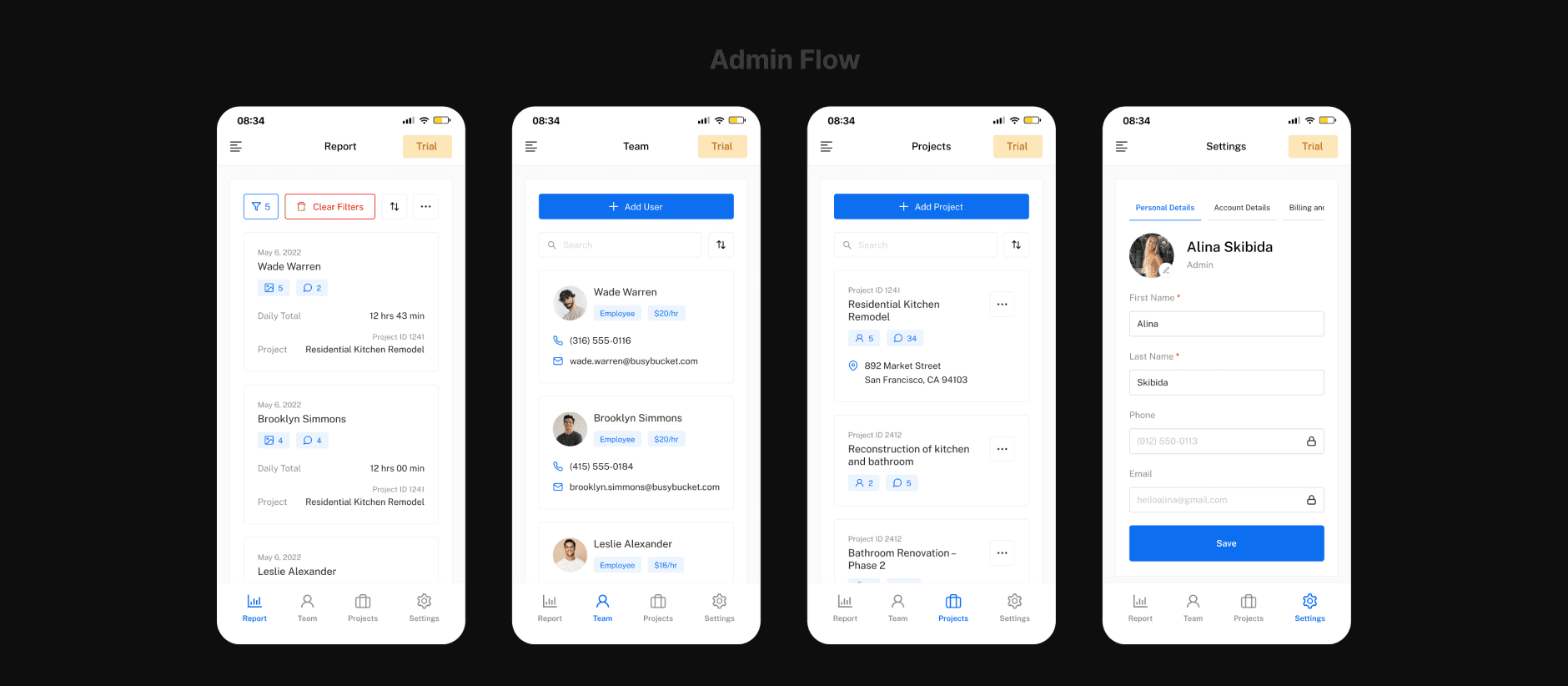
The Employee experience is designed around daily work execution — logging time, adding comments and attachments, and reviewing personal activity. The interface remains lightweight and task-focused to reduce friction and cognitive load. The Admin experience is centered on oversight and coordination — managing users and projects, reviewing and adjusting time entries, and analyzing reports. The interface prioritizes structure, clarity, and efficient navigation to support more complex workflows and larger data sets.
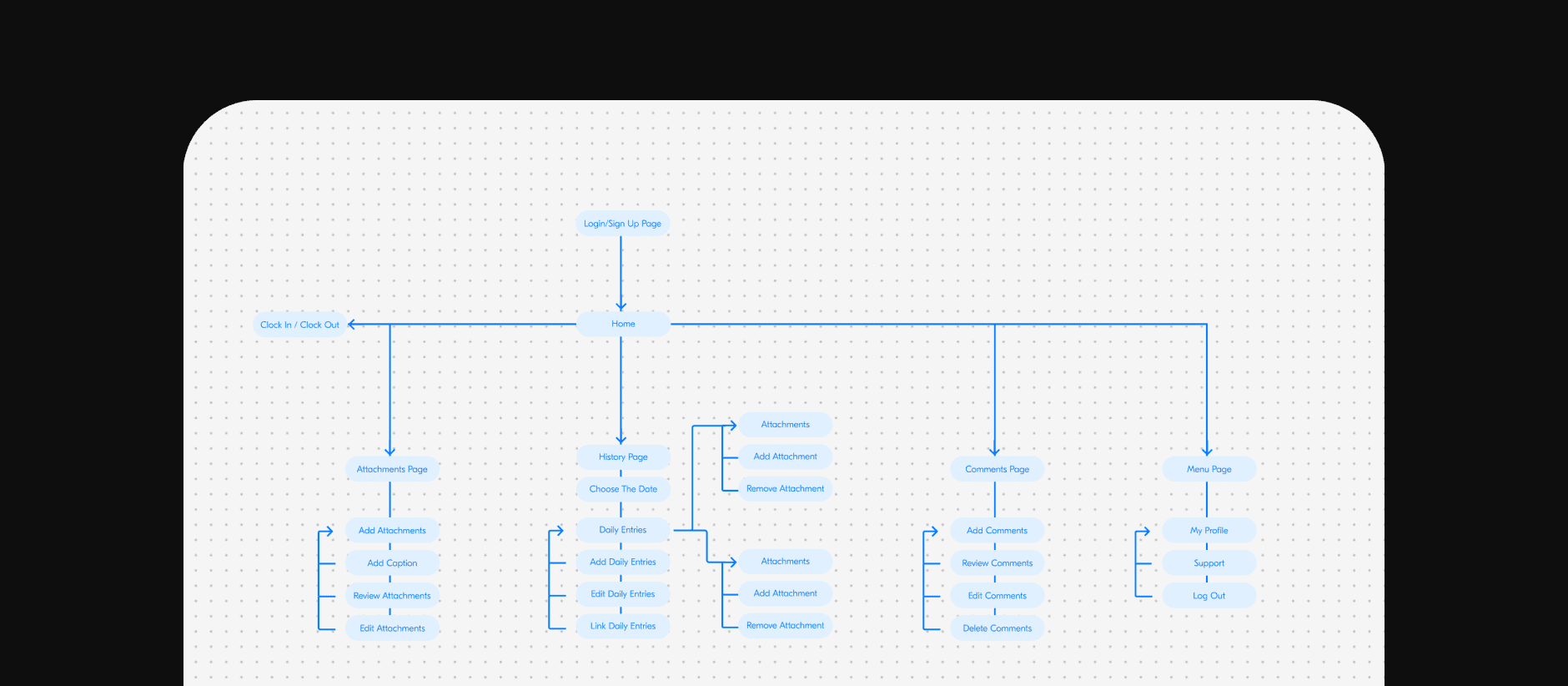
User Flows
User flows were created to define key interactions, decision points, and navigation logic across the product. This step helped establish a clear structure for how users move through core workflows before transitioning into interface design.
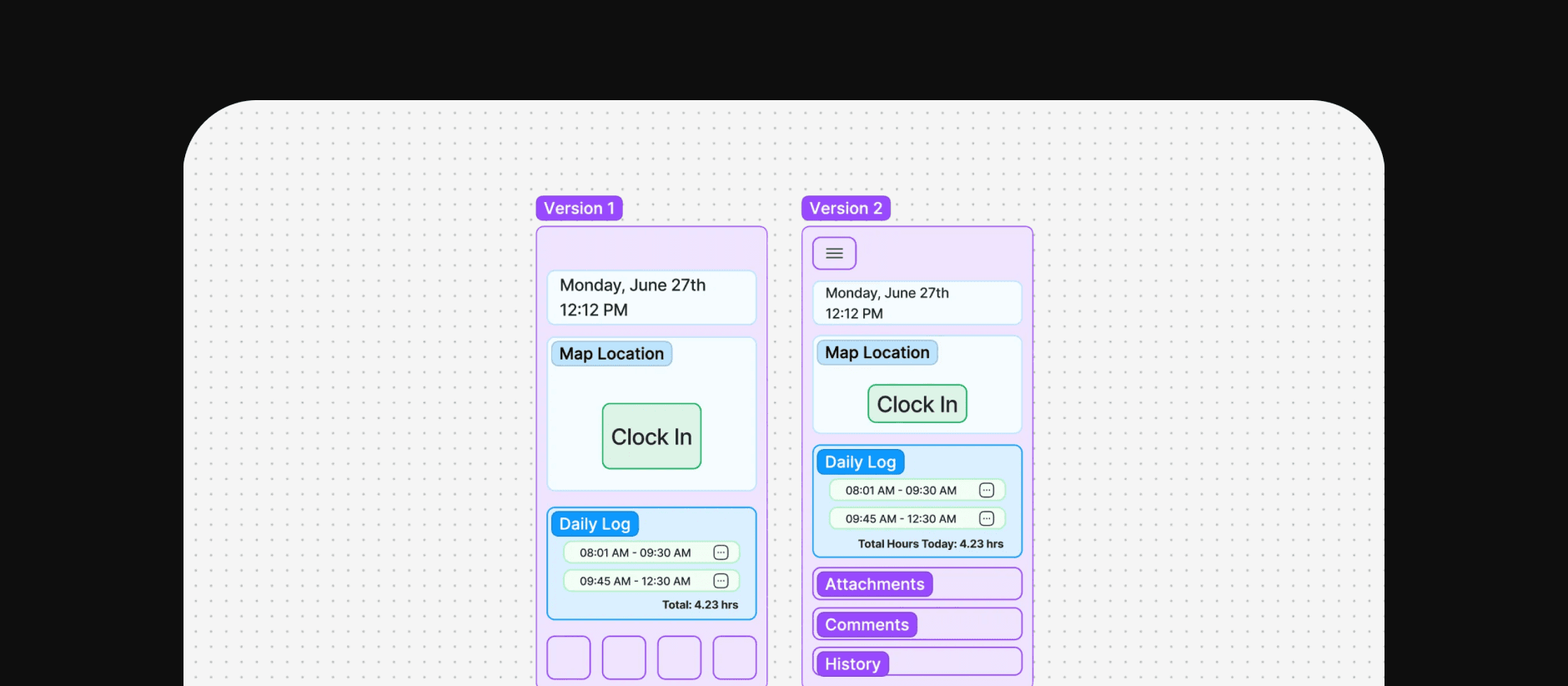
Early UI Exploration / Initial UI Concepts
Based on defined user flows, early UI concepts were explored to test layout structure, information hierarchy, and key interaction patterns before moving into detailed visual design.
Visual Direction & Style Definition
Following early UI exploration, the visual direction of the product was defined. Colors, typography, and key UI styles were selected to establish a cohesive look and feel, providing a solid foundation for the final interface design.
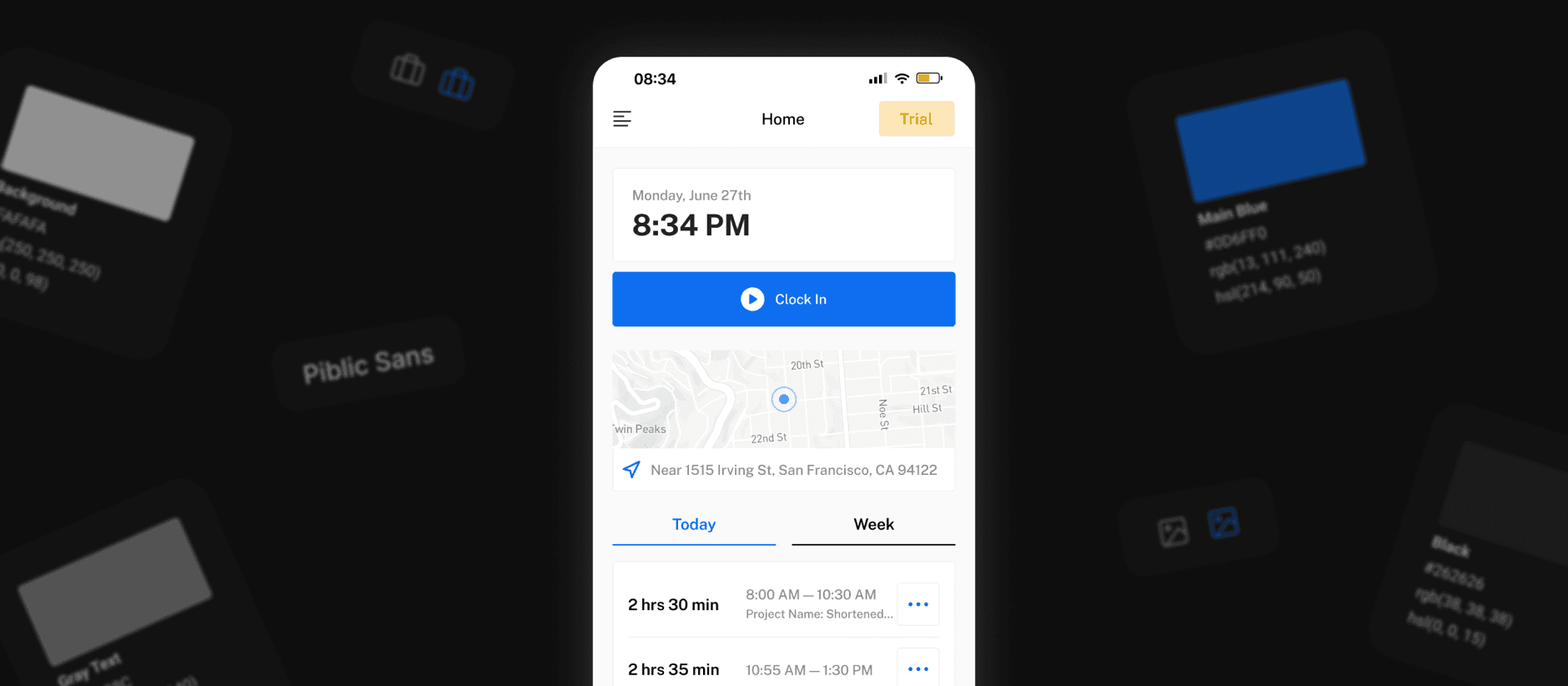
From Exploration to Final UI
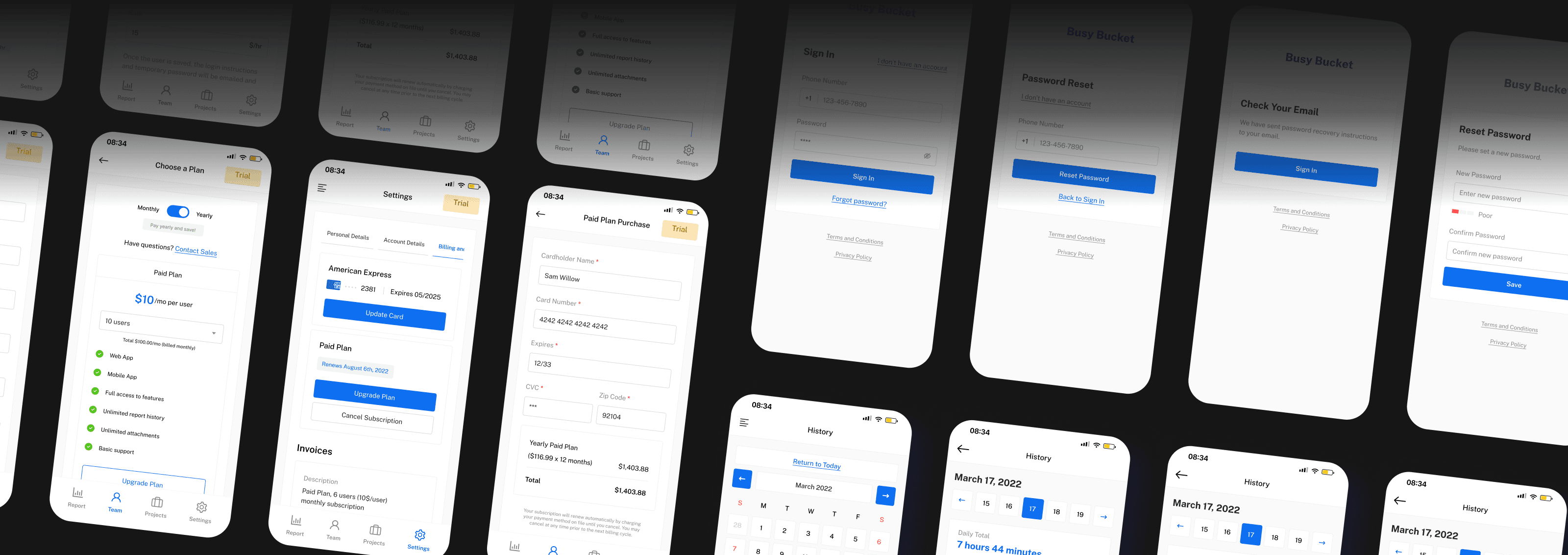
After exploring multiple layout and interaction approaches, a clear direction was chosen and translated into high-fidelity UI screens. These designs reflect the final structure, visual language, and interaction principles of the product.
Interactive Prototype
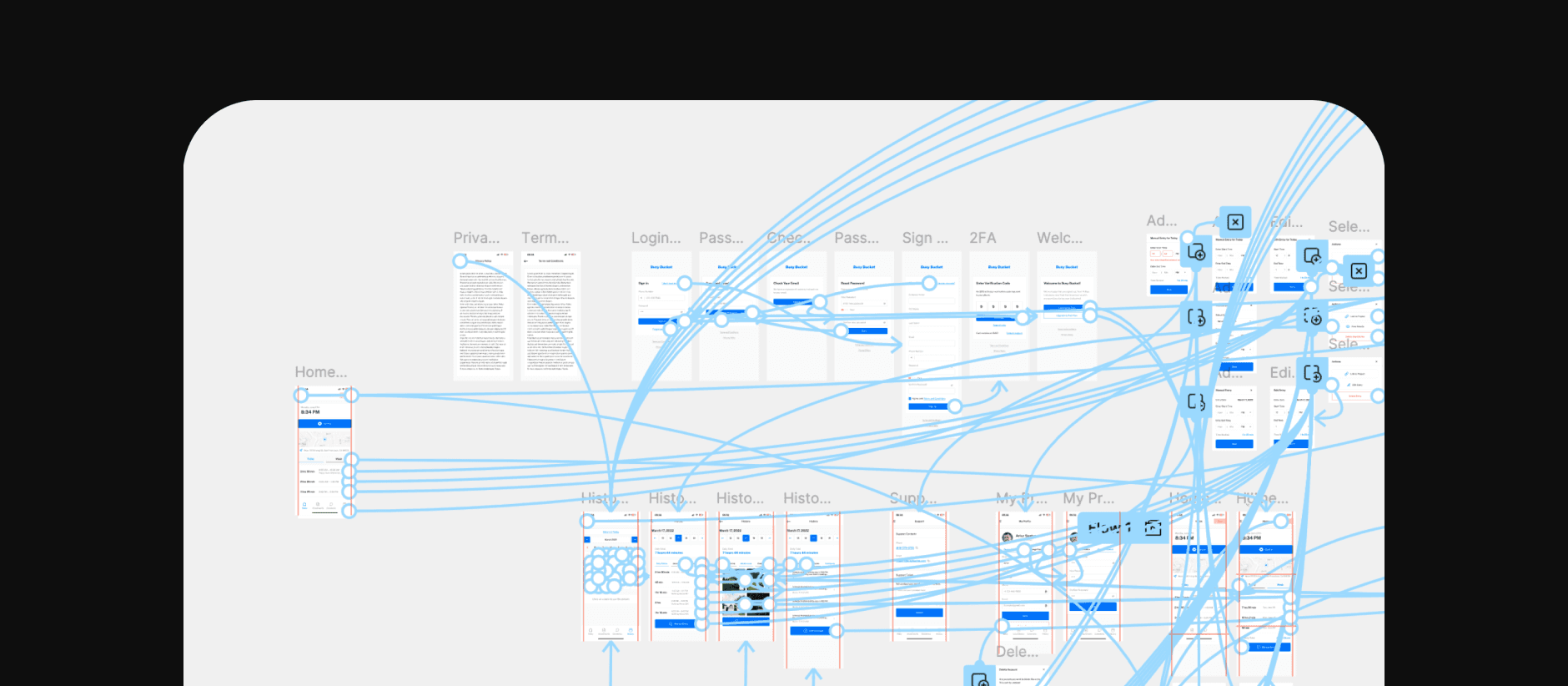
An interactive prototype was created as a final validation step before implementation.
It connected key flows and screens into a cohesive experience, allowing the team to assess usability, navigation clarity, and interaction consistency.
This process ensured that the final UI accurately reflected the intended user experience and product logic.
Final Outcome
This project demonstrates a structured approach to designing a complex product from scratch.
The goal was to create a reliable, simplicity and intuitive workspace that supports daily operations while remaining simple and approachable.
The final outcome is a thoughtfully structured and fully completed product that balances functionality and simplicity, making everyday work more efficient and predictable.
✦
If you’d like to learn more about this project or discuss the approach in more detail,