Fancy
Mobile App
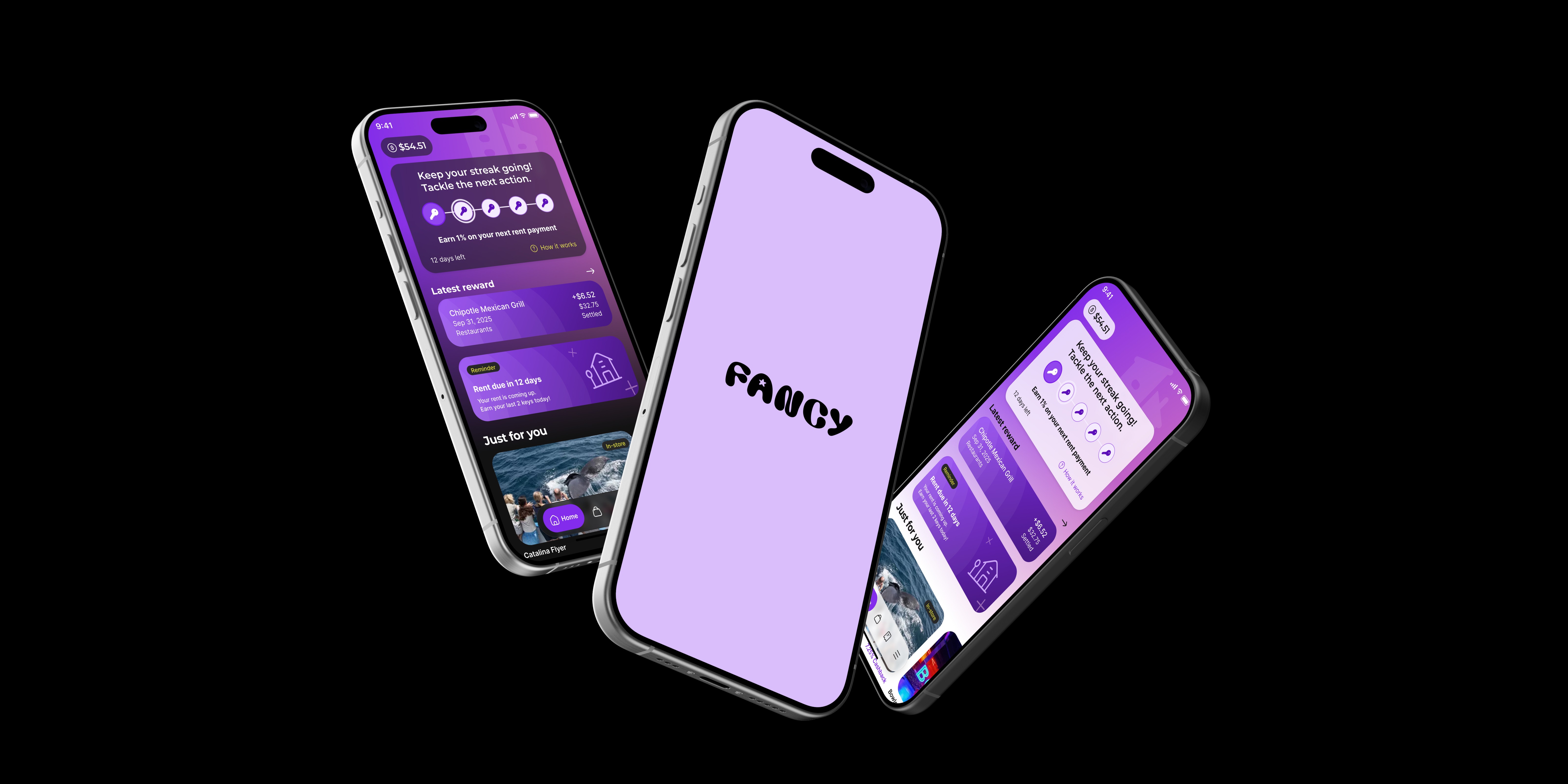
Fancy is a cash-first financial rewards platform designed to turn rent and everyday spending into real cashback for renters.
Client
Fancy
Role
UI & UX Design
Industries
E-commerce
📍 Problem
Fancy was an early-stage startup without an existing mobile product, requiring the creation of a complete mobile experience from the ground up.
The challenge was to translate the brand vision and rewards concept into a friendly, intuitive, and trustworthy mobile app, making earning cashback feel simple, motivating, and approachable from the very first interaction.
🎯 Goal
The goal was to design Fancy’s first mobile app and establish a strong foundation for its user experience.
The product needed to balance a playful and welcoming tone with the clarity and trust required for a rewards and finance-driven platform.
⚡ My Role
I worked as a UX/UI Designer as part of the team that built Fancy’s first mobile application from the ground up.
My role covered the full design lifecycle — from early exploration and concept definition to detailed UI design and system-level decisions. I focused on defining core user flows, interaction patterns, and visual direction, ensuring the product felt approachable, trustworthy, and aligned with Fancy’s playful brand personality.
Below is an overview of the key stages of the process
Brand resources
Before starting the product design work, the brand team established a strong visual foundation and defined the overall direction of the product. The brand identity set a playful, bright, and friendly tone, shaping how Fancy should feel across all touchpoints. This brand exploration became the first step in my process.
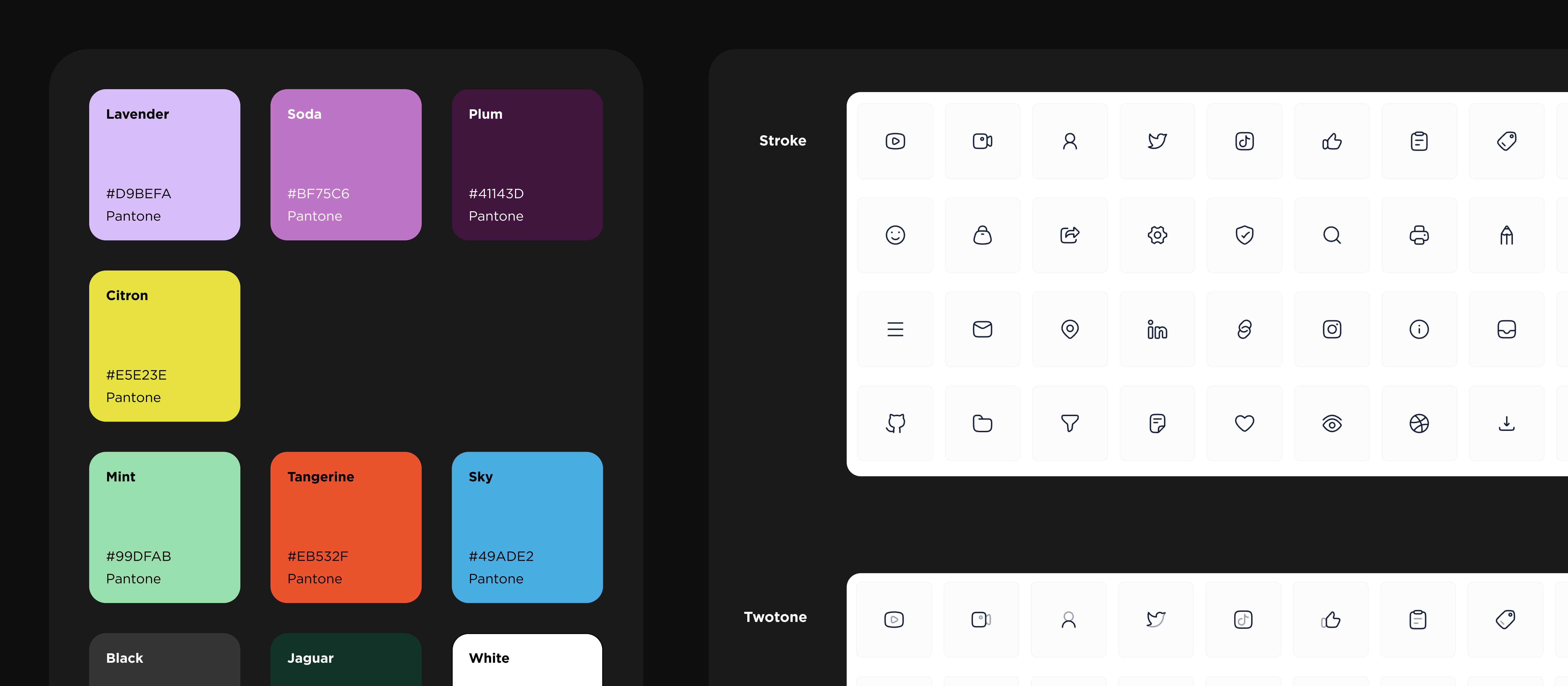
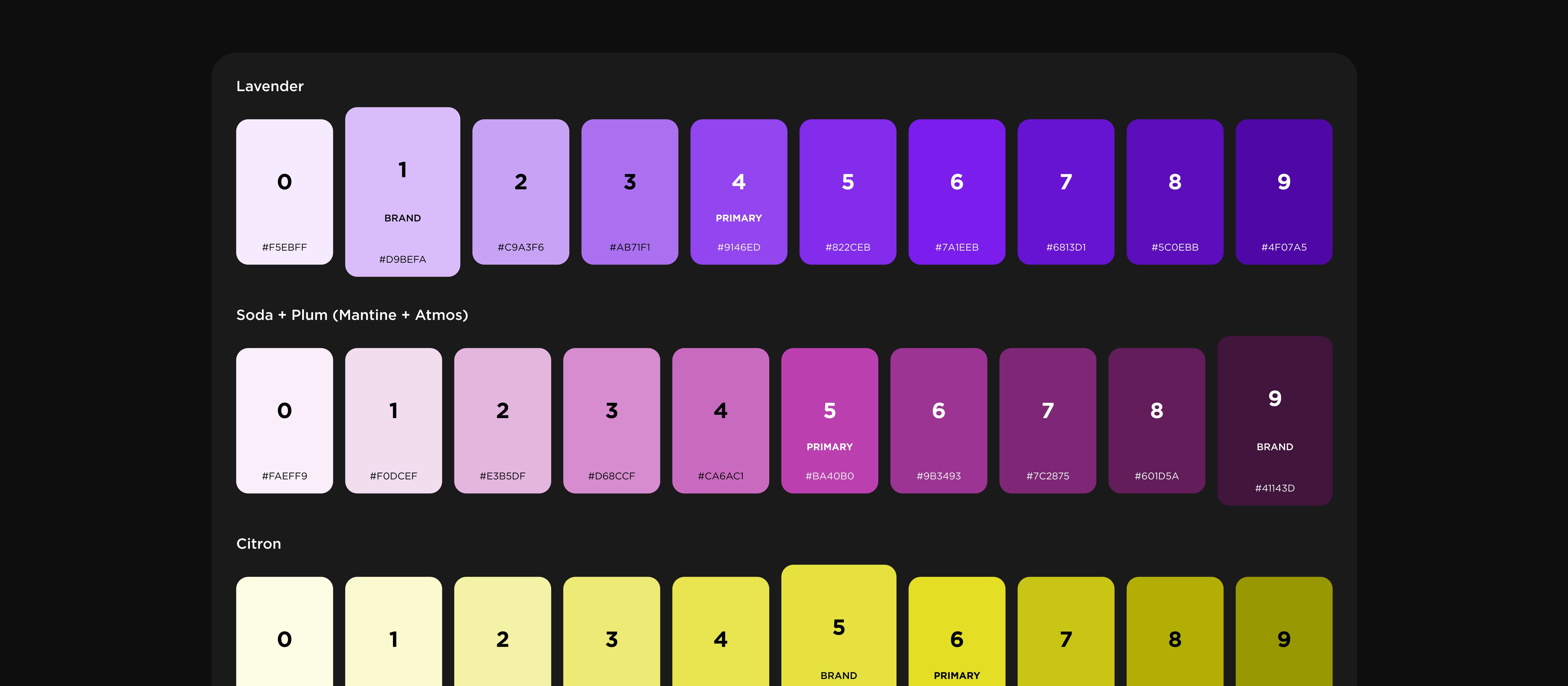
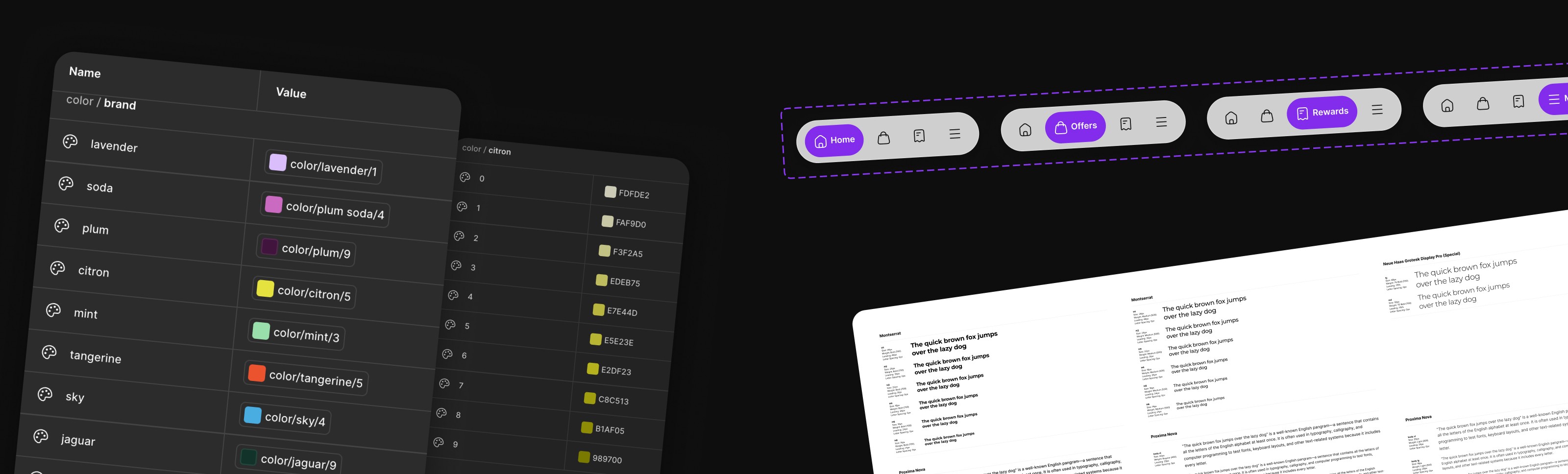
Using the brand palette as a starting point, we structured the colors for mobile UI usage and documented them for consistent application across the app.
All colors were implemented as Figma Variables, enabling efficient theming, reuse, and scalability throughout the design process.
Moodboard
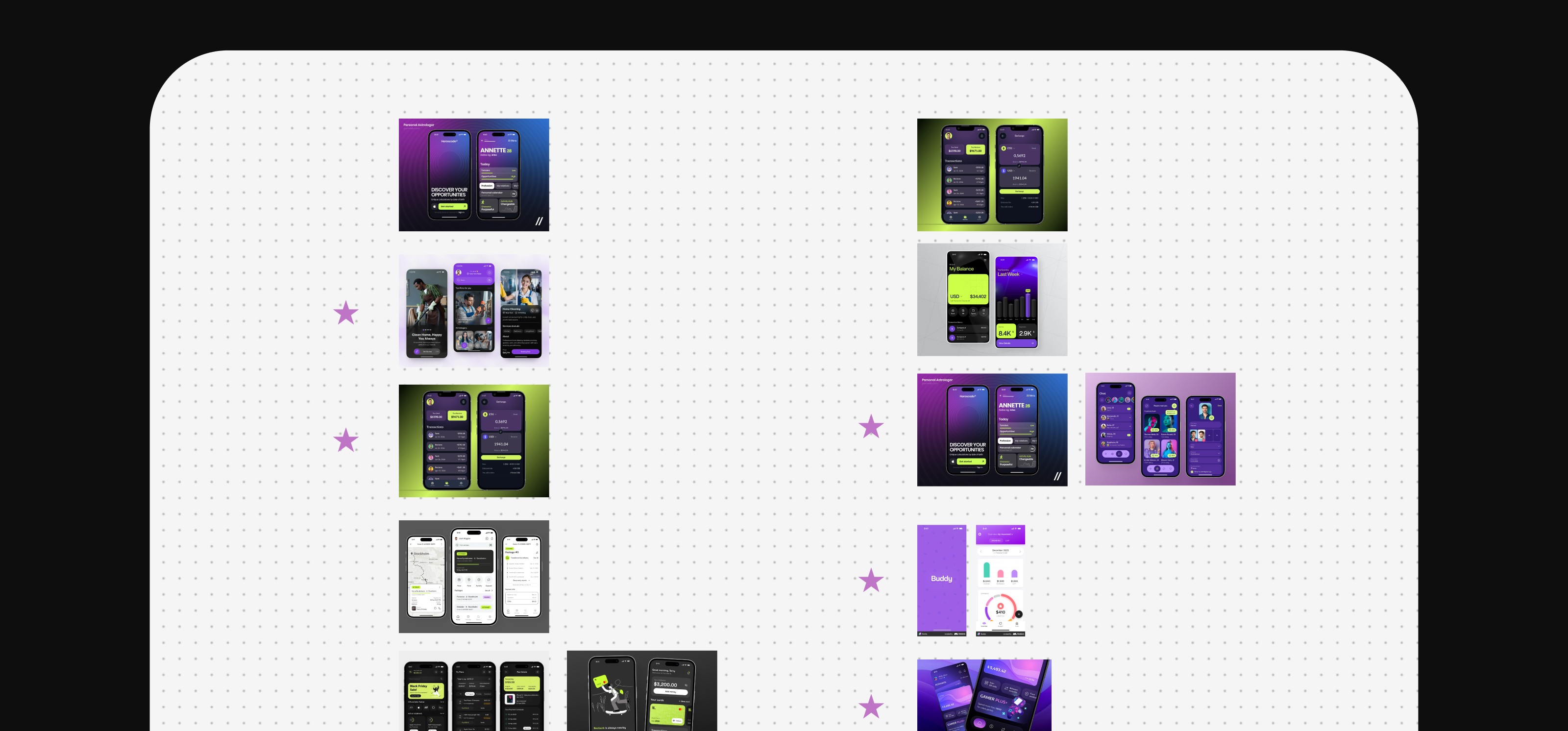
As a team, we used a shared moodboard to explore and align on the visual tone
and emotional direction of Fancy’s mobile app.
Key references that best represented the desired mood were highlighted with star markers
Light & Dark Theme Decision
Initially, the product was planned as a light-theme–only experience. After conducting market analysis, reviewing visual directions, and exploring user expectations, it became clear that supporting both light and dark themes would better serve the product’s goals.
As a result, two themes — light and dark — were introduced, allowing the experience to adapt to different environments, improve accessibility, and support user preferences from the start.

Exploration
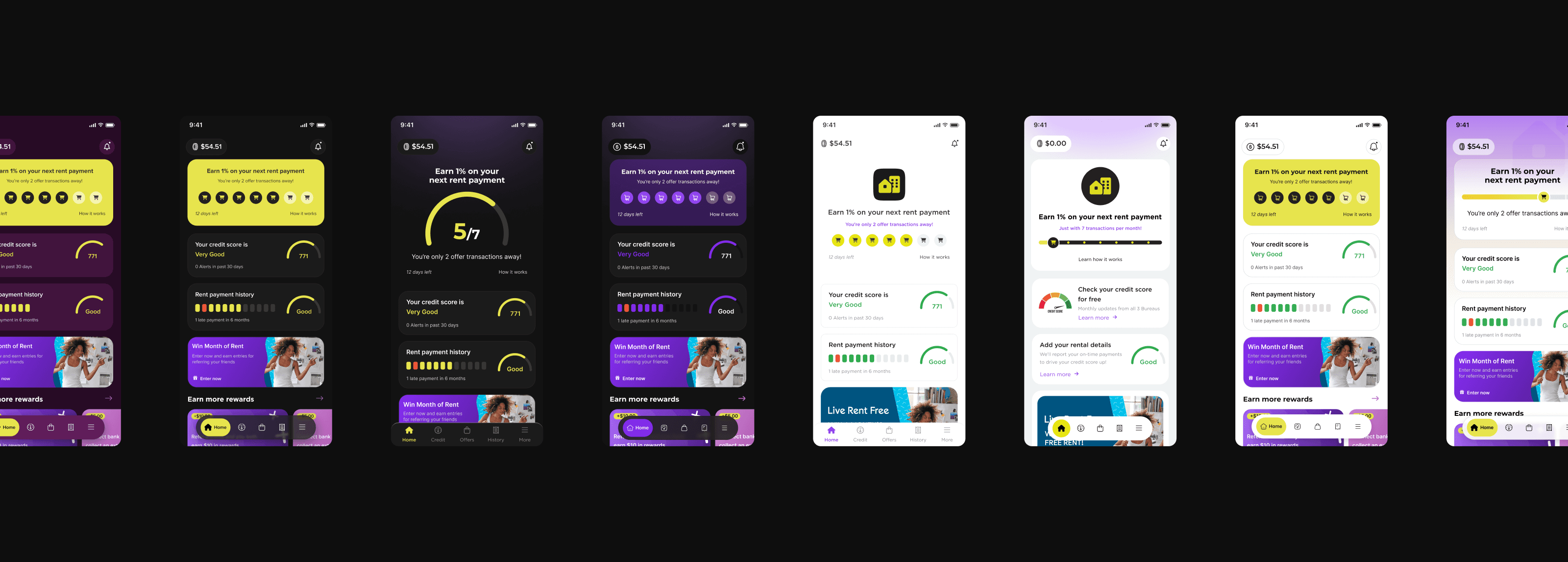
We explored multiple visual directions, testing different layouts, styles, and interactions. Both light and dark themes were explored in parallel, along with accent color options such as Citron and Lavender, to define the most effective visual direction for the product.
As a result of the exploration, a visual direction was defined and Lavender was selected as the primary accent color. These designs represented directional concepts and were further refined as the design was extended across additional screens to ensure consistency.
Adaptive across device sizes
The design supports a wide range of screen sizes, including compact formats like iPhone SE, without compromising clarity, hierarchy, or usability.

Design System
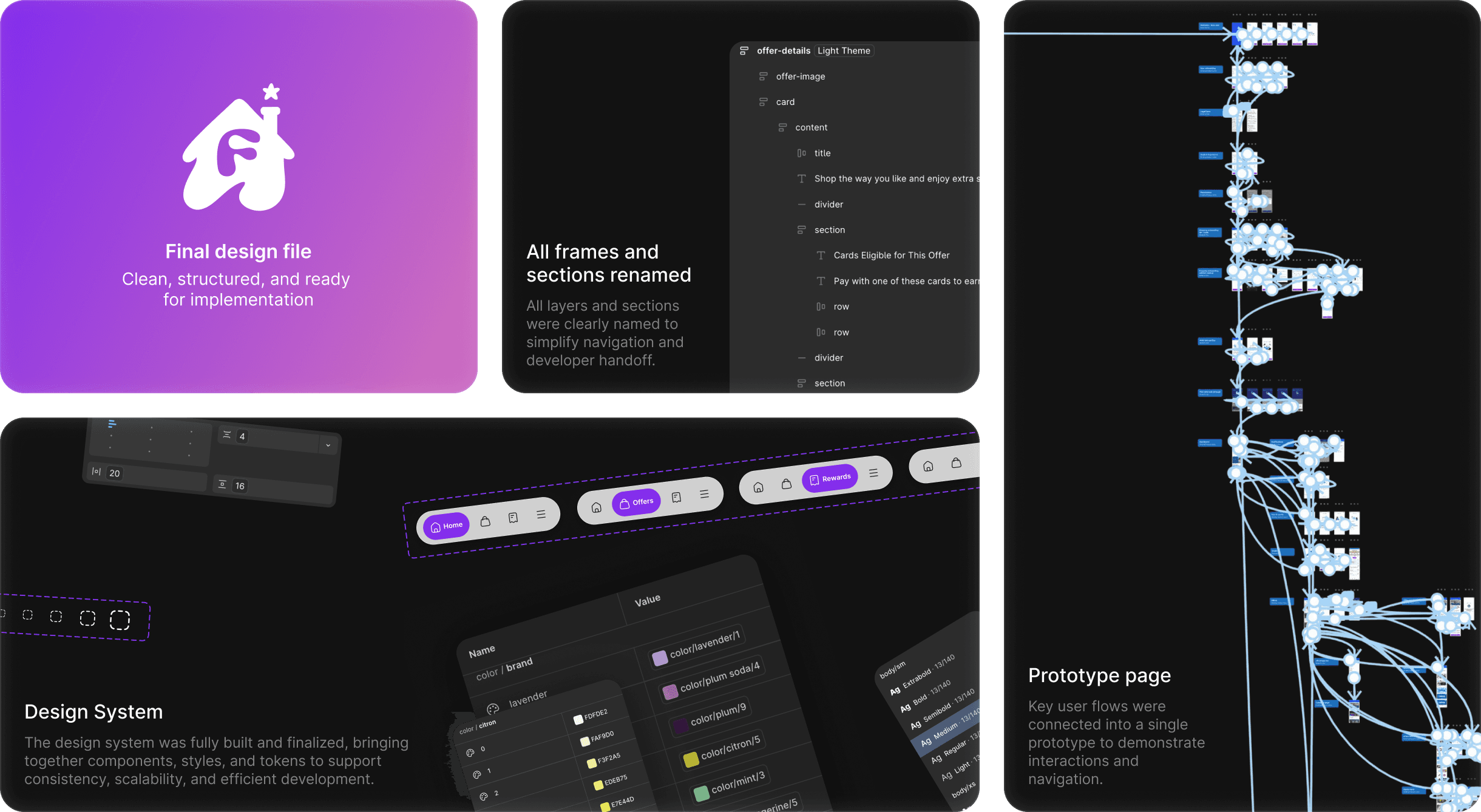
To support consistency and scalability across the mobile app, a shared design system was created during the design process. It defined core UI components, layout patterns, and visual rules used across all screens and both themes.
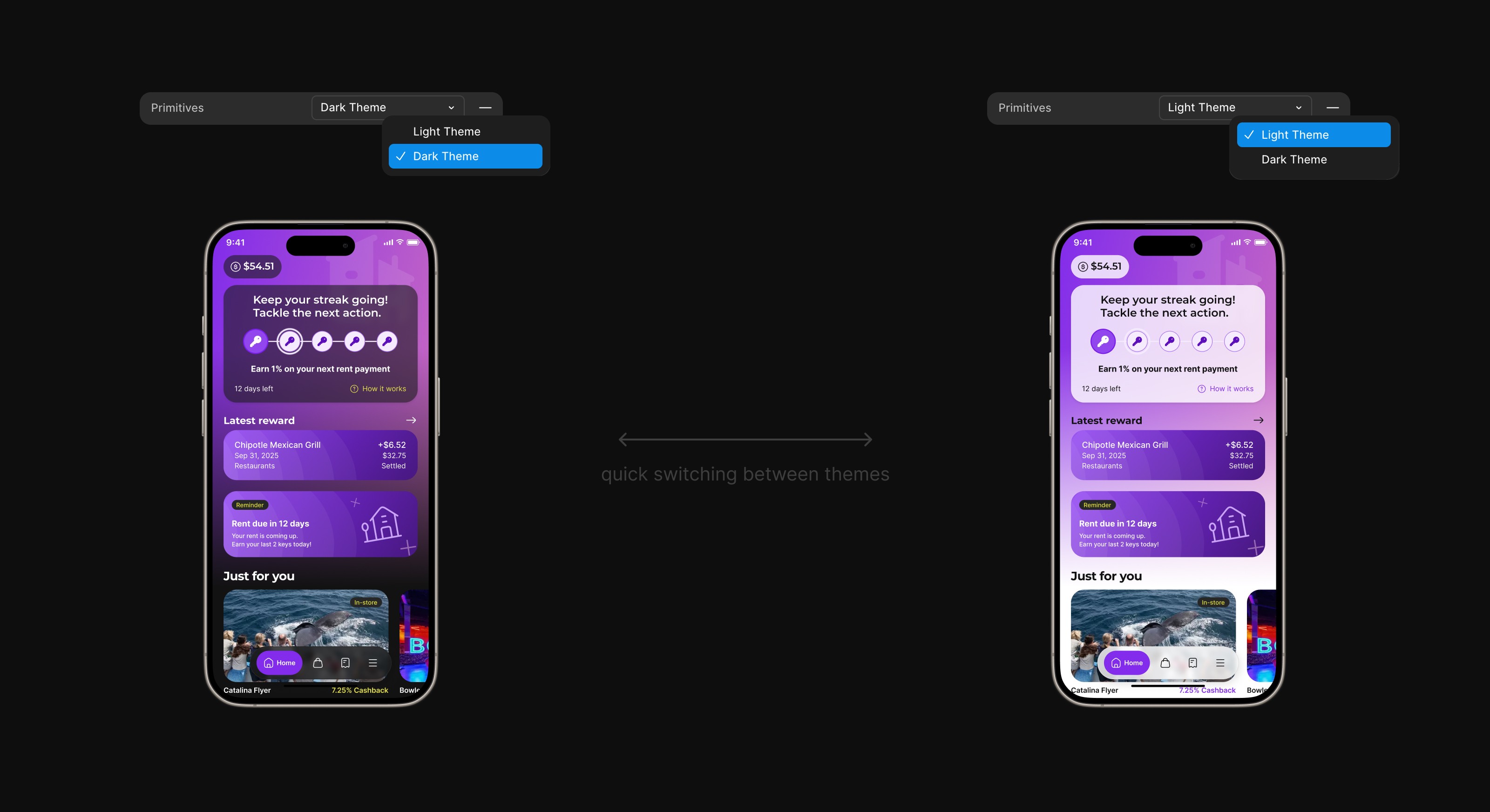
Tokens for Light / Dark Theme
I was responsible for creating and managing design tokens that enabled seamless switching between light and dark themes. This setup allowed the interface to change themes in a single click, without the need for manual updates across individual screens.
Using tokens simplified theme management, helped maintain visual consistency, and made it easier to test and iterate on both themes in parallel. It also supported scalability, ensuring that future updates or adjustments could be applied efficiently across the entire mobile experience.
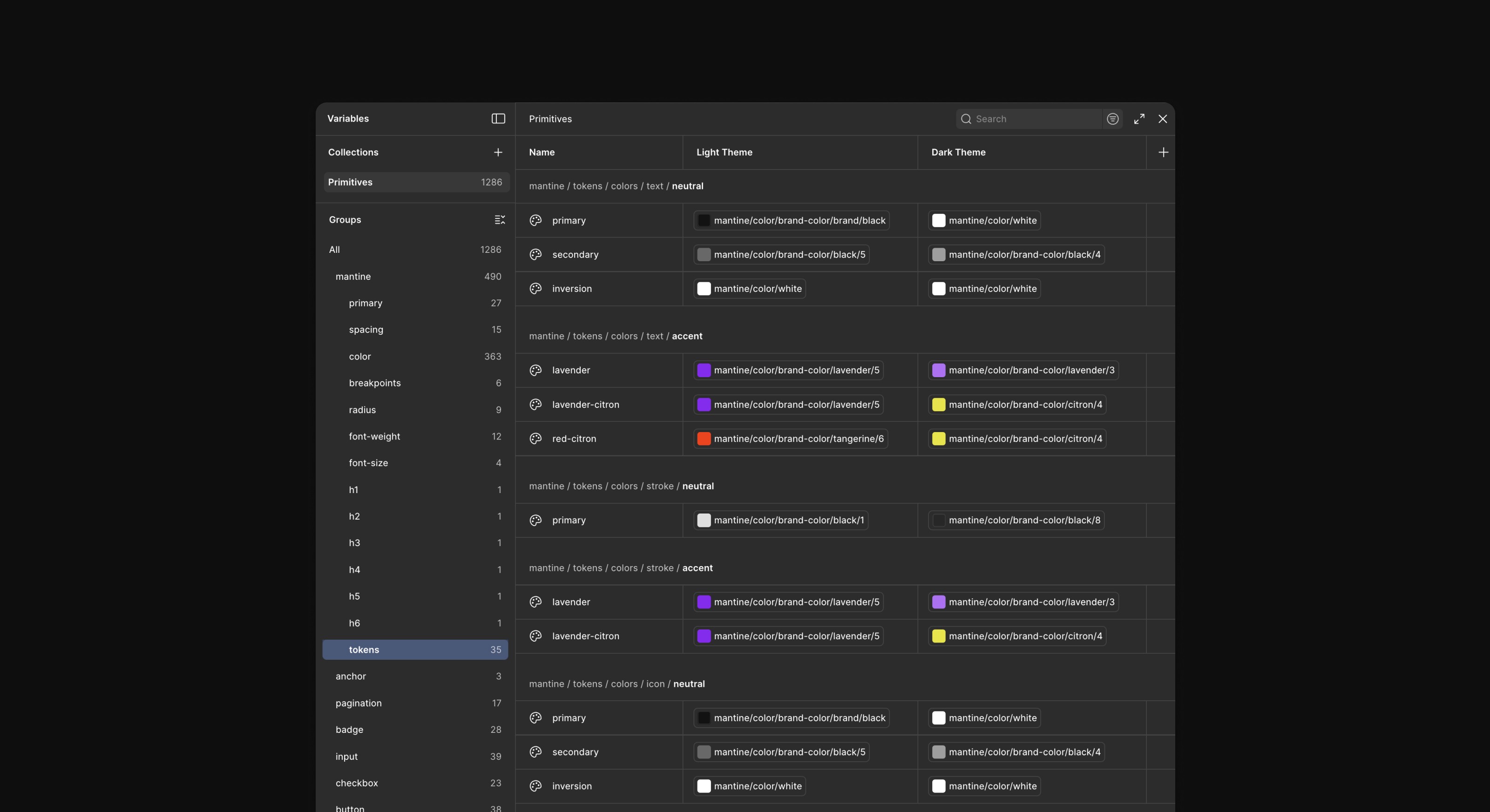
Theme Token Mapping
To enable one-click theme switching, tokens were mapped to separate Light and Dark values within Figma Variables.
Core color roles (text, background, surfaces, borders, and accents) were defined as semantic tokens and connected to the appropriate primitives for each theme. This structure made theme updates predictable and scalable, allowing both themes to stay aligned while the product evolved.
Prepare for DEV hand off / File summary
The final design was prepared for development handoff, ensuring a smooth and consistent implementation.
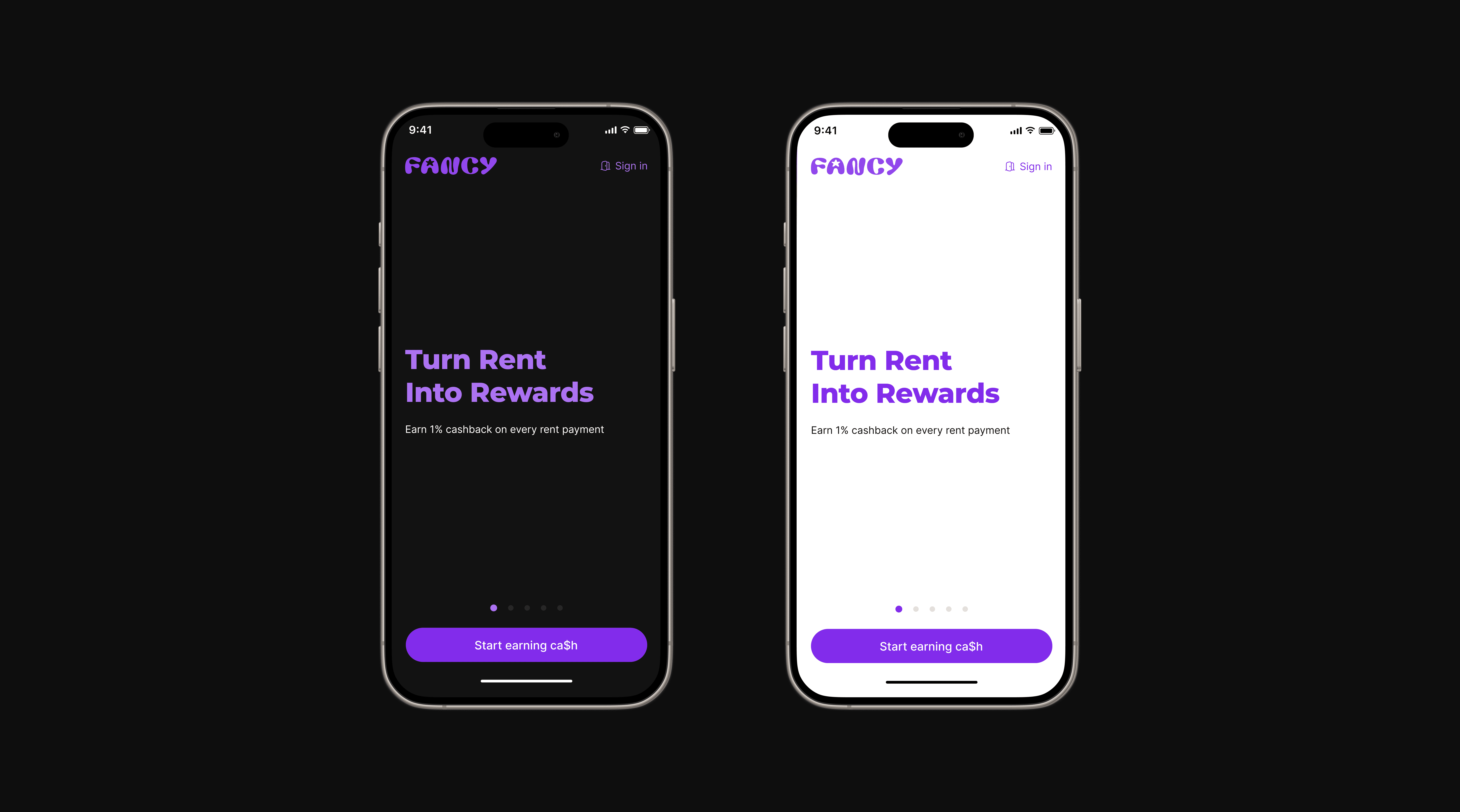
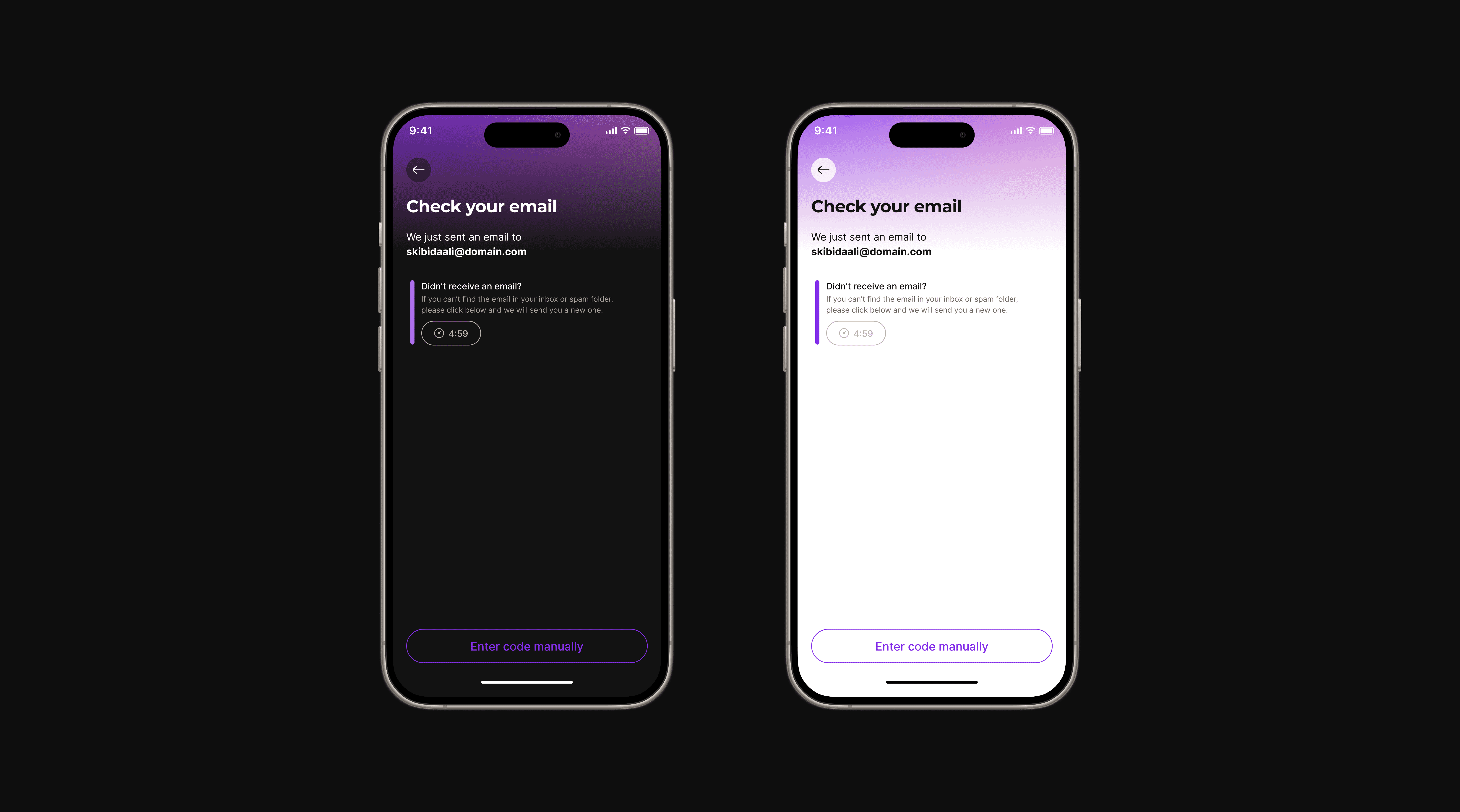
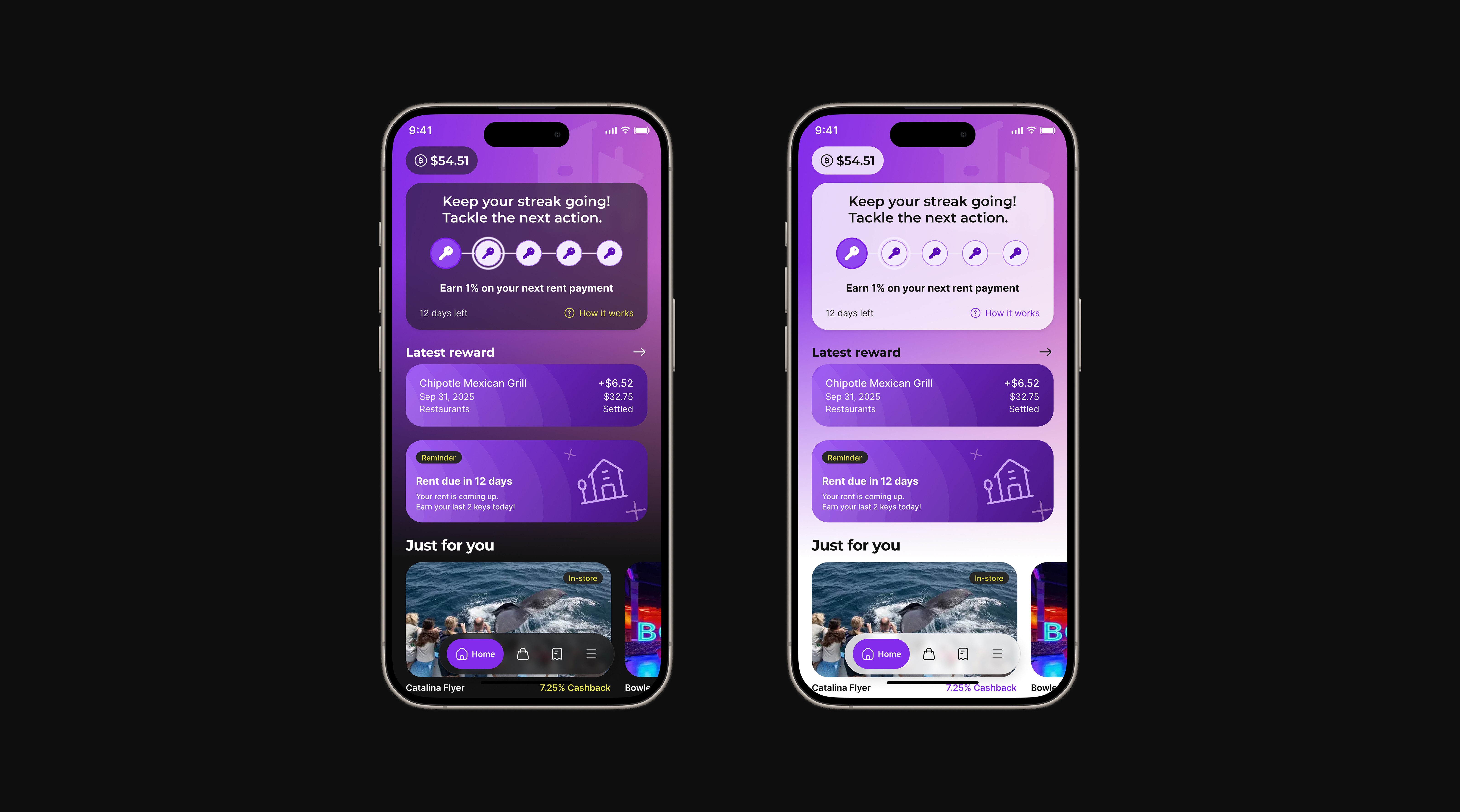
Final Desings
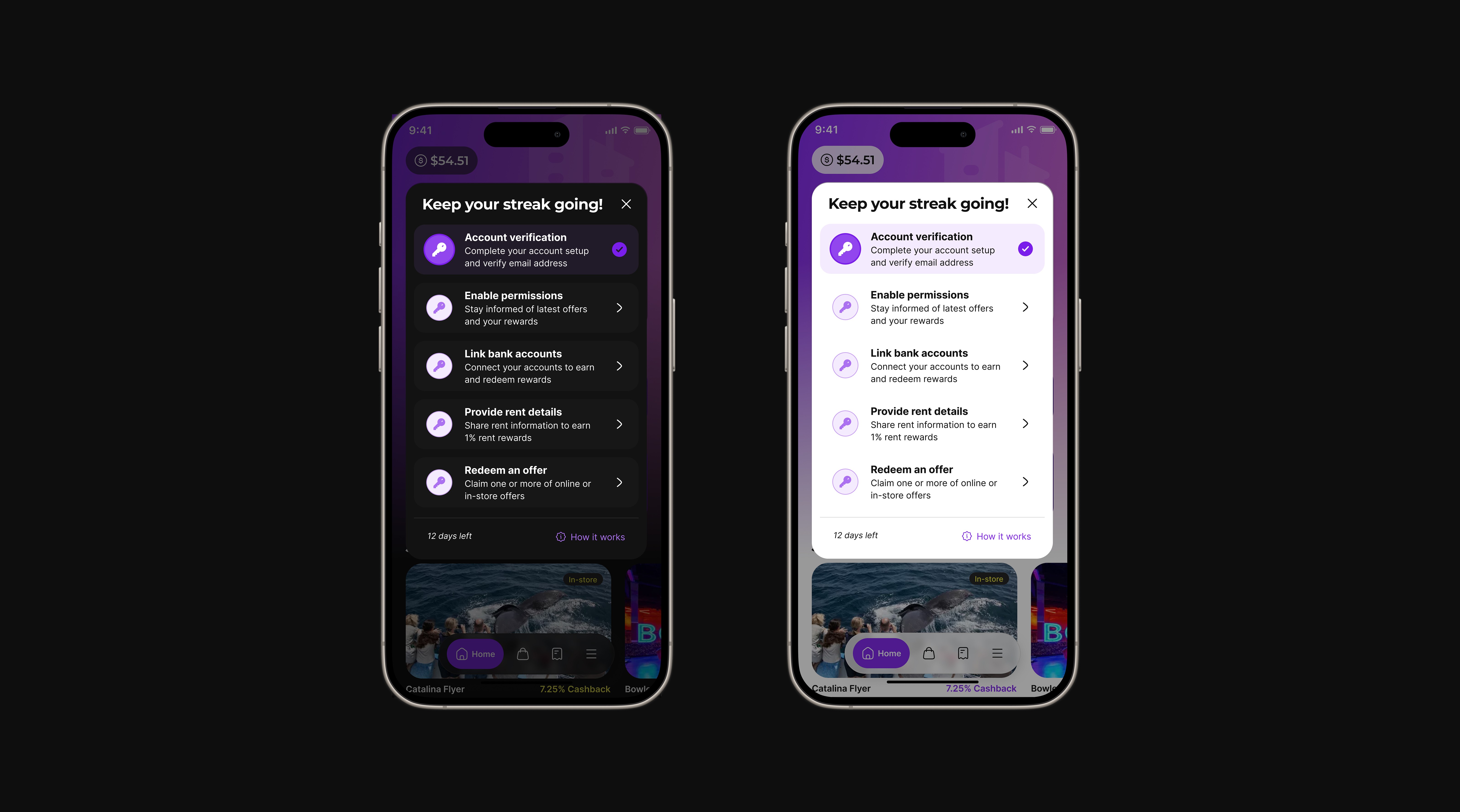
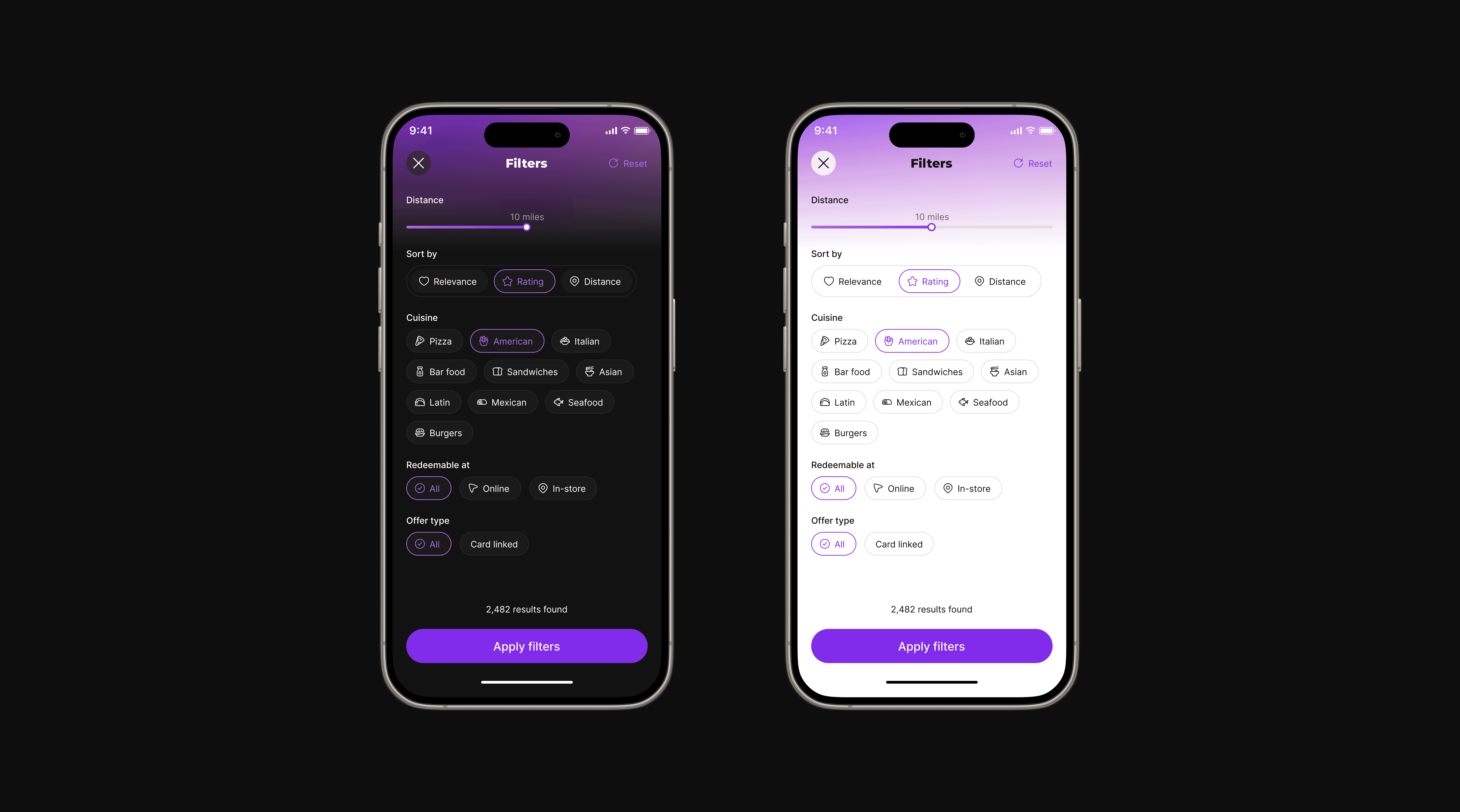
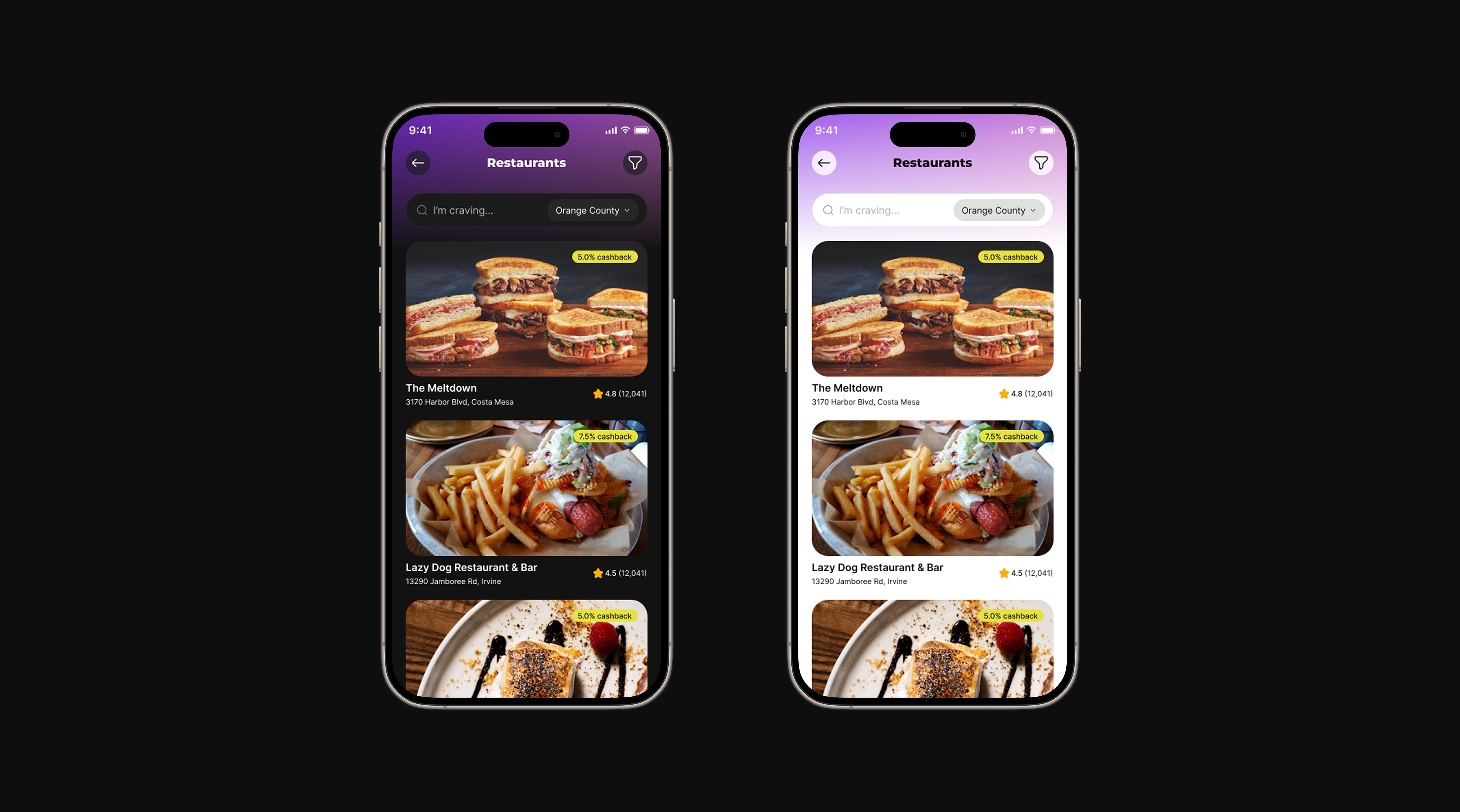
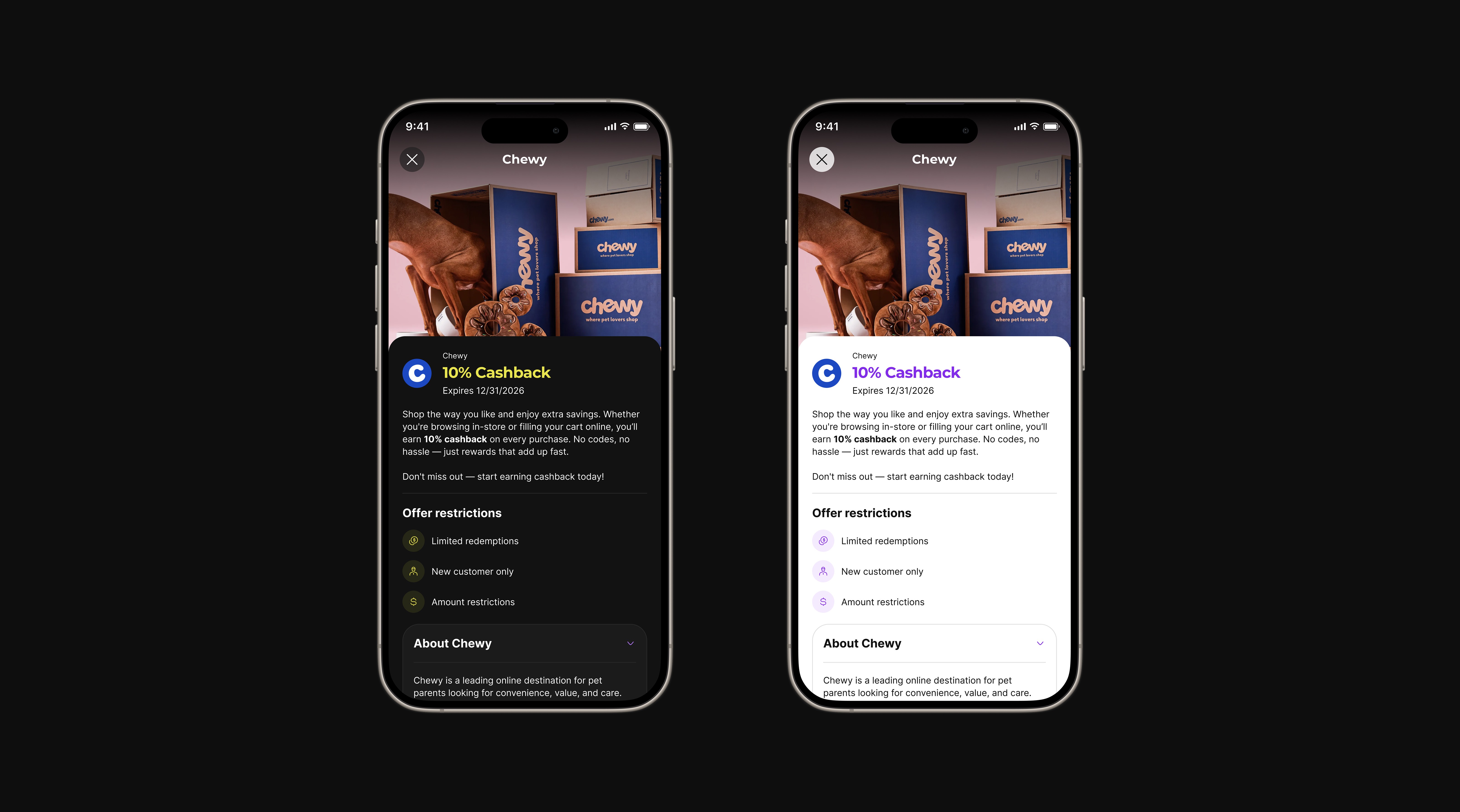
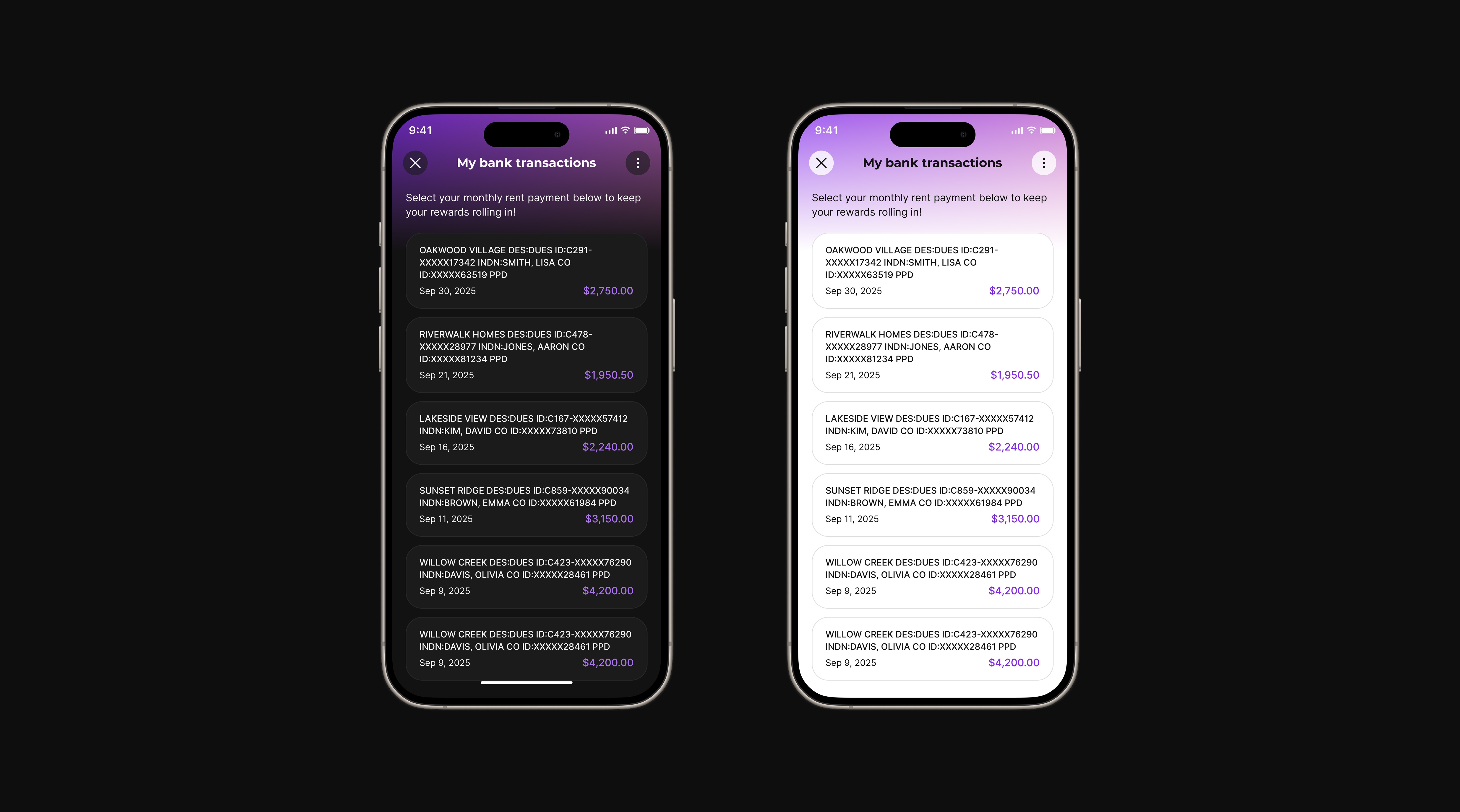
The final designs reflect a cohesive mobile experience built on a consistent visual direction, design system, and support for both light and dark themes.
✦
If you’d like to learn more about this project or discuss the approach in more detail,